
 KO 한국어
 JP 日本
JP 日本 ID Indonesia
 BR Brasil
 MX México
 VI Việt Nam
 TH ประเทศไทย
 FR France
 ES España
The 2016 Throwback Is Everywhere—Here’s How to Use Nostalgia Without Copying the Same Edit
Keep the shared memory but change the point of view, sound role, and visual punch line.
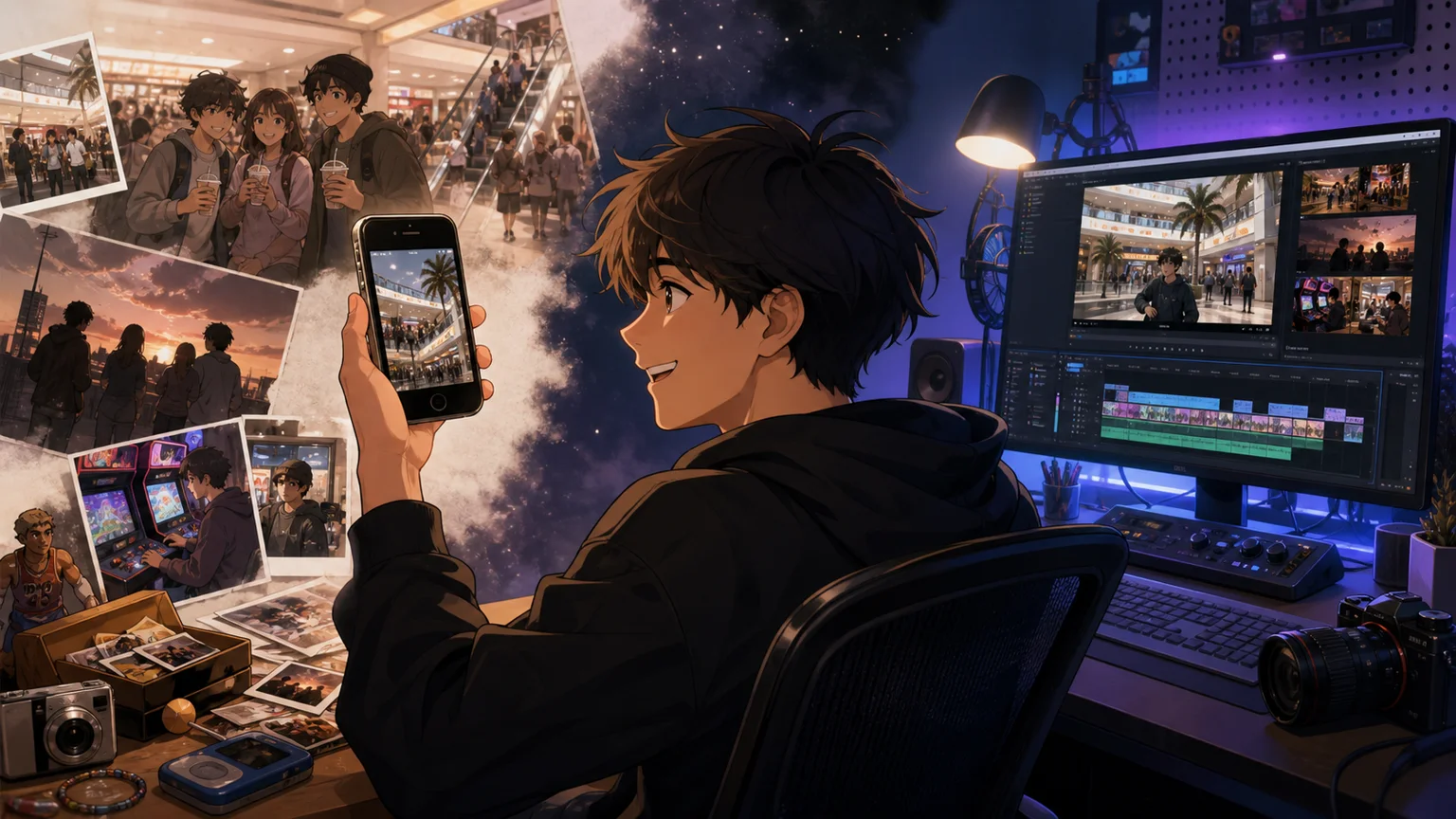
1. Nostalgia works because the audience finishes the story
A notification sound, a mall selfie, or the first half-second of a familiar chorus can unlock a whole year. That is why 2016 throwbacks travel so quickly.
The problem starts when every creator uses the same photo dump, the same caption, and the same chorus. Recognition turns into wallpaper.
2. Keep the memory, change the lens
Pick one specific memory instead of recreating the whole decade.
- Object lens — one phone, sneaker, game menu, or beauty item
- Place lens — school hallway, mall food court, first apartment
- Sound lens — use the build-up or instrumental detail instead of the copied chorus
3. Make the ending belong to 2026
A strong throwback compares then and now. Let the audio open the memory, then cut to what changed, what survived, or what became embarrassing. That final turn makes it yours.
4. Build a cleaner throwback
Choose one memory, one contrast, and one licensed audio version. Skip the generic montage.
MUZPICKR’s nostalgia moods help you compare eras without searching one song title at a time.